# Bioma
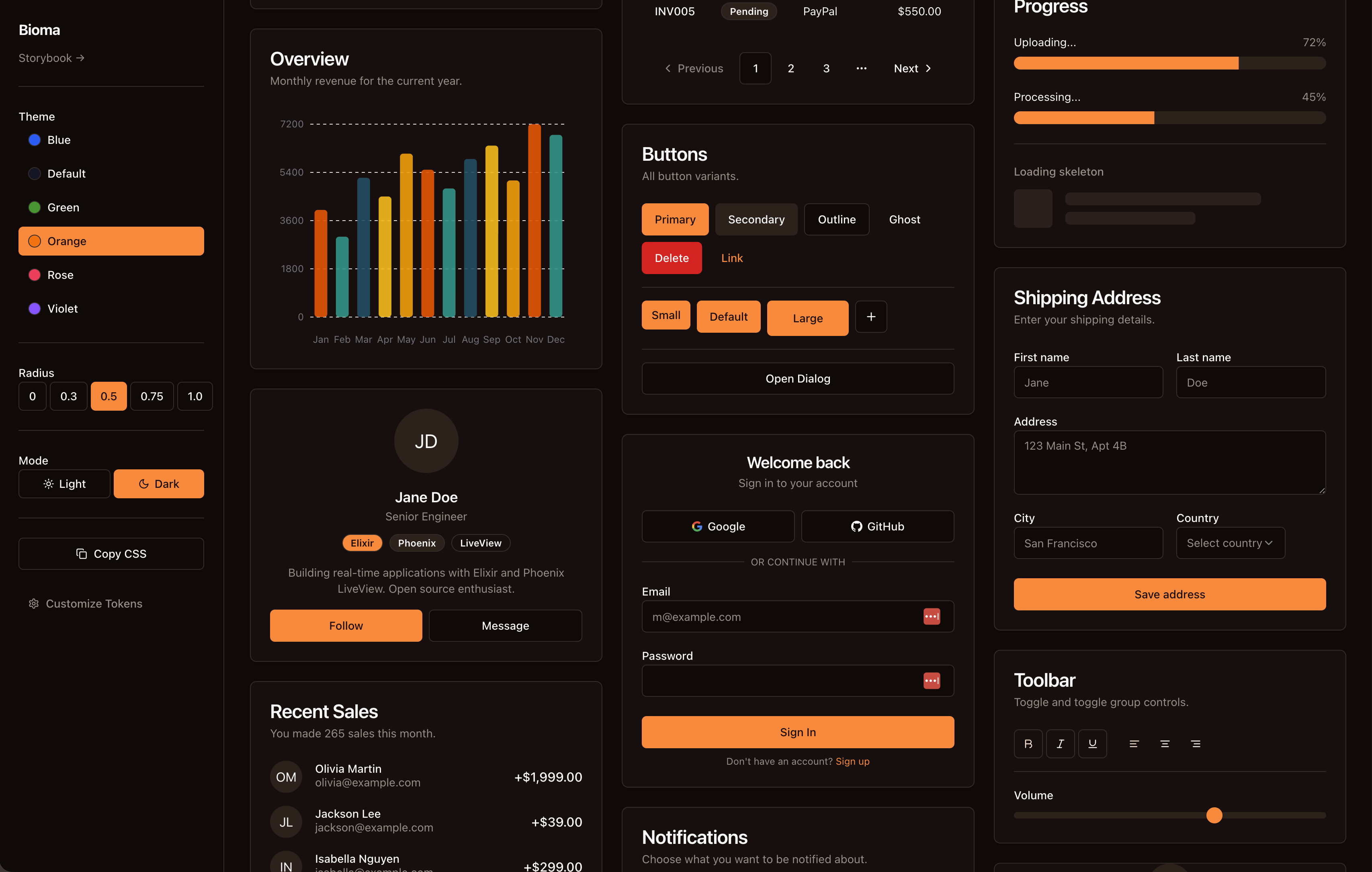
A composable Phoenix LiveView component library for AI agentic platforms.
Inspired by [shadcn/ui](https://ui.shadcn.com), built for Elixir.
**[Live Demo →](https://bioma.vima.work)** · **[HexDocs →](https://hexdocs.pm/bioma)**
## Features
- **Atomic design** — atoms, molecules, organisms
- **AI-first** — chat interfaces, streaming text, tool call displays, agent status, thinking indicators
- **Tailwind CSS v4** — semantic color system with CSS variables (OKLCH), dark mode support
- **Accessible** — ARIA attributes, keyboard navigation
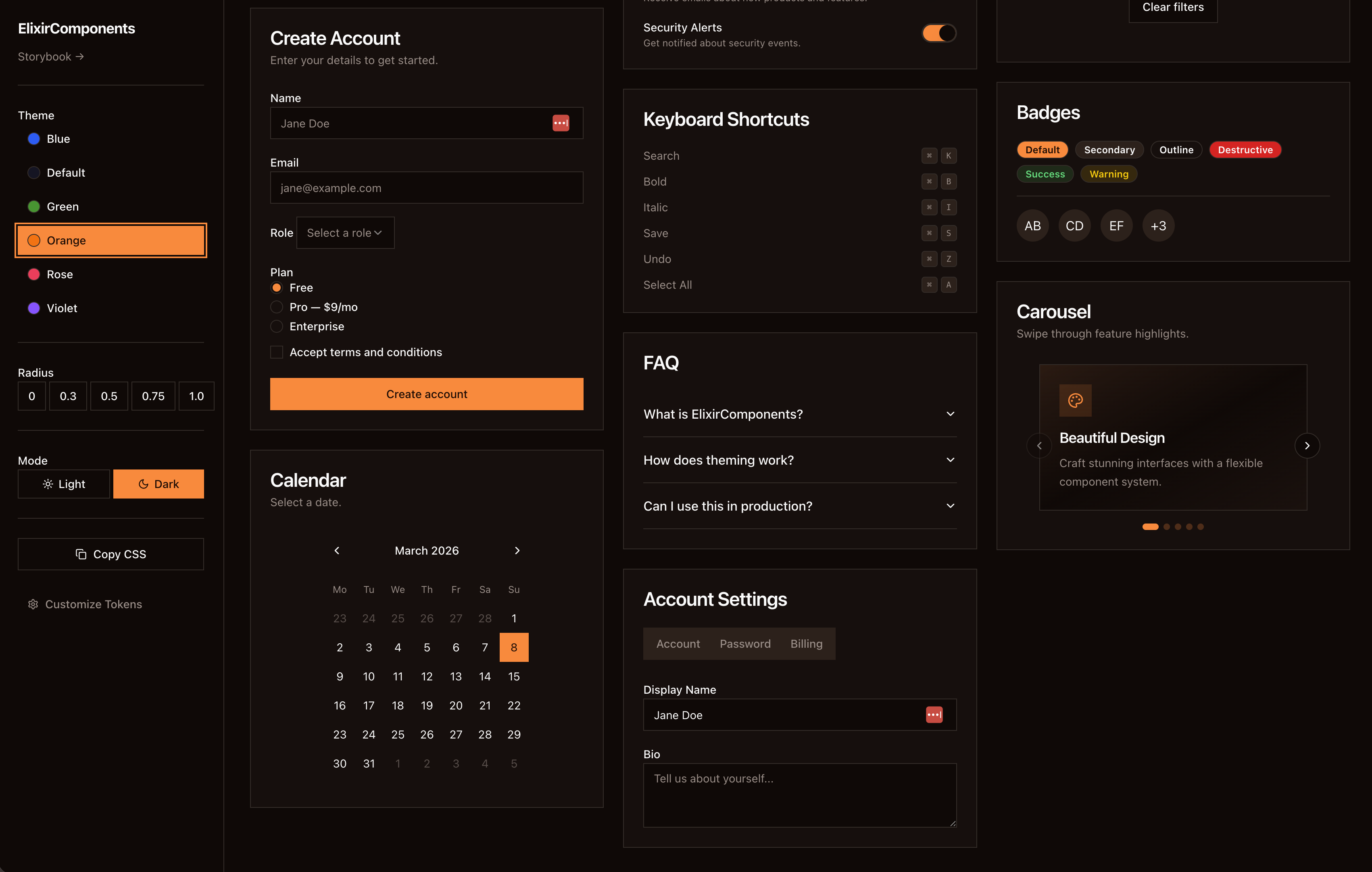
- **Phoenix Storybook** — component documentation and live previews
## Installation
Add `bioma` to your dependencies in `mix.exs`:
```elixir
def deps do
[
{:bioma, "~> 0.1"},
# Optional: markdown rendering in ChatMessage/CodeBlock
{:mdex, "~> 0.4"},
# Optional: icons
{:heroicons, "~> 0.5"}
]
end
```
### Tailwind CSS Setup
Bioma requires **Tailwind CSS v4**. Make two additions to your `assets/css/app.css`:
1. Add a `@source` directive so Tailwind scans Bioma's components:
```css
@import "tailwindcss";
@source "../../deps/bioma/lib/**/*.ex";
```
2. Copy the `@theme { ... }` and `.dark { ... }` blocks from
`deps/bioma/assets/css/app.css` into your own CSS file. This provides
the semantic color tokens (`--color-primary`, `--color-ai-user`, etc.)
and AI-specific color palette that all Bioma components depend on.
### JS Hooks Setup
Bioma provides LiveView hooks for interactive components (auto-resizing textarea,
streaming text, copy-to-clipboard, etc.). Register them with your `LiveSocket`:
```javascript
// assets/js/app.js
import { BiomaHooks } from "../../deps/bioma/assets/js/hooks/index.js";
let liveSocket = new LiveSocket("/live", Socket, {
hooks: { ...BiomaHooks, ...YourOwnHooks },
});
```
## Usage
Import components in your LiveView or component module:
```elixir
# Import all components
use Bioma
# Import specific groups
use Bioma, only: [:atoms]
use Bioma, only: [:atoms, :molecules]
# Import individual components
import Bioma.Atoms.Button
import Bioma.Organisms.AI.ChatMessage
```
Then use them in your templates:
```heex
<.button variant="default">Click me</.button>
<.chat_message role="user" content="Hello!" />
<.chat_message
role="assistant"
content={@response}
name="Claude"
thinking={@thinking}
/>
<.chat_input phx-submit="send_message" />
```
## Components
### Atoms
`Button` · `Input` · `Textarea` · `Label` · `Badge` · `Avatar` ·
`Separator` · `Skeleton` · `Spinner` · `Switch` · `Checkbox` ·
`Toggle` · `Tooltip` · `Kbd` · `Typography`
### Molecules
`Card` · `Alert` · `Tabs` · `Toast` · `Progress` · `Dropdown Menu` ·
`Popover` · `Scroll Area` · `Command Palette`
### AI Organisms
`Chat Message` · `Chat Thread` · `Chat Input` · `Code Block` ·
`Markdown Renderer` · `Streaming Text` · `Thinking Indicator` ·
`Tool Call Display` · `Agent Card` · `Agent Status` ·
`Token Counter` · `Model Selector` · `Conversation Sidebar`
## Development
```bash
git clone https://github.com/the20100/bioma
cd bioma
mix setup
mix dev
# Storybook at http://localhost:4000/storybook
```
## License
MIT
